Use this free document resizer to compress your photos under 50KB and signatures under 20KB for FPSC, PPSC, NTS, OTS, and other Pakistani job applications. Everything runs in your browser — no uploads, no waiting, 100% private.
Click here or drag your file to Upload Your Document
What is a Document Resizer?
A document resizer is a tool that reduces the file size of your photos and signatures. Government job portals in Pakistan, including FPSC, PPSC, NTS, and OTS, have strict upload limits. If your file is even slightly over the limit, the portal will reject it automatically.
Our document resizer solves this problem instantly. You just upload your file, choose the target size, and download the compressed version. No signup, no server uploads, no waiting.
How to Use This Document Resizer
Using our tool is simple. Follow these steps:
- Step 1: Select your target portal standard from the dropdown (50KB for photos, 20KB for signatures, or 100KB for challans).
- Step 2: Click the upload area and select your photo or signature file from your device.
- Step 3: Click the “Compress Document Now” button.
- Step 4: Preview the compressed file and click “Download Compressed File” to save it.
That’s it. The whole process takes less than 30 seconds.
Understanding the 50KB and 20KB Upload Limits
Government job portals in Pakistan enforce strict file size limits to keep their servers running smoothly. Here’s what you need to know:
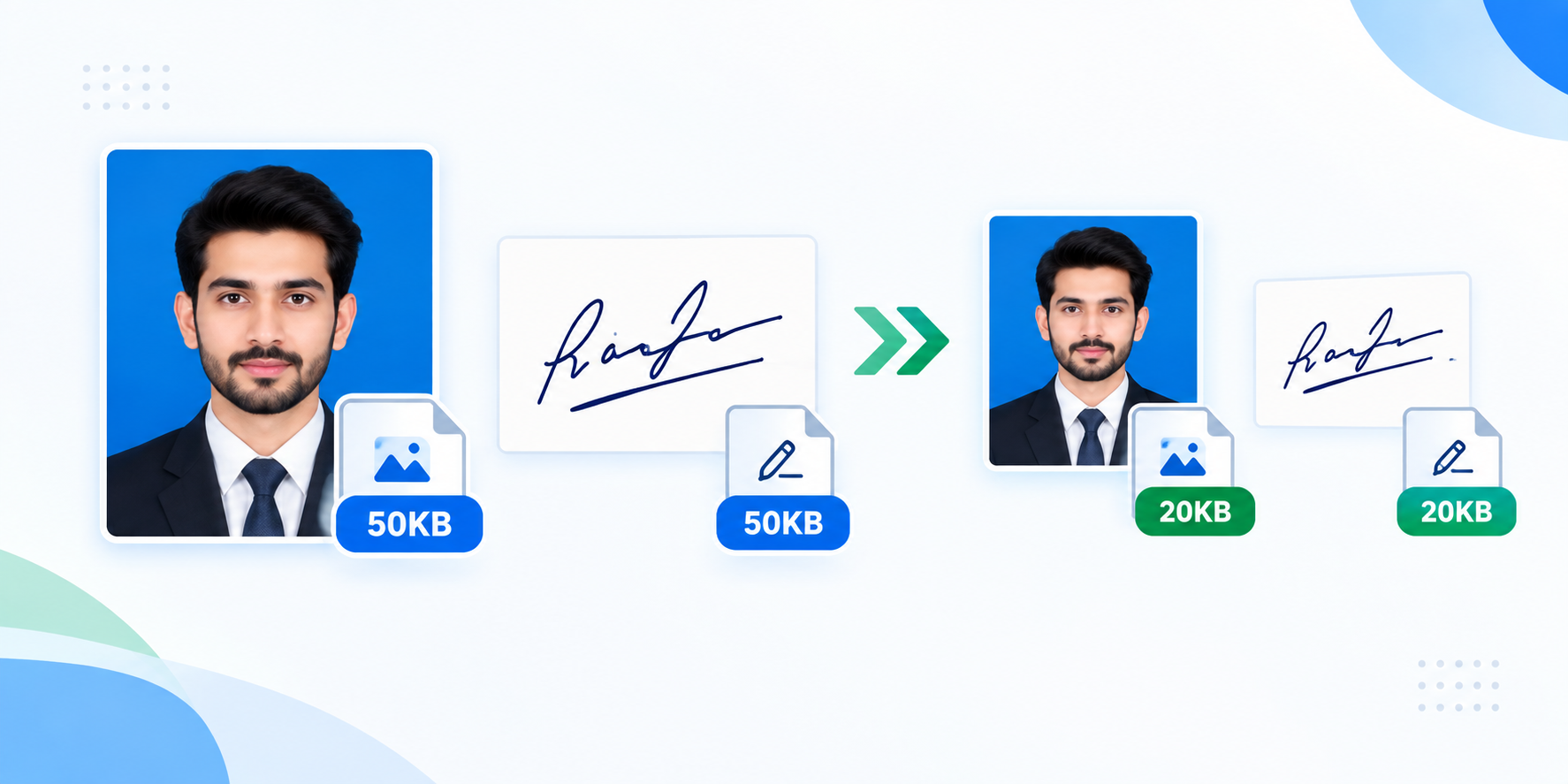
- Photo Limit (Under 50 KB): Your passport-size photograph must be in JPG format and stay strictly below 50 kilobytes. A clean blue background is recommended.
- Signature Limit (Under 20 KB): Signatures have the tightest limit. Write your signature on plain white paper with a dark blue or black pen, then compress it to under 20KB.
- Challan Scan Limit (Under 100 KB): When uploading bank challan slips, keep the file under 100KB so the bank details remain readable.
Why File Size Matters for Job Applications
Many candidates get rejected at the registration stage simply because their photo or signature file was too large. Government portals use automated scripts that check file sizes the moment you upload. If your file is over the limit, the submission blocks instantly.
Our document resizer helps you avoid this problem. It compresses your files to the exact size required, without blurring your photo or distorting your signature.
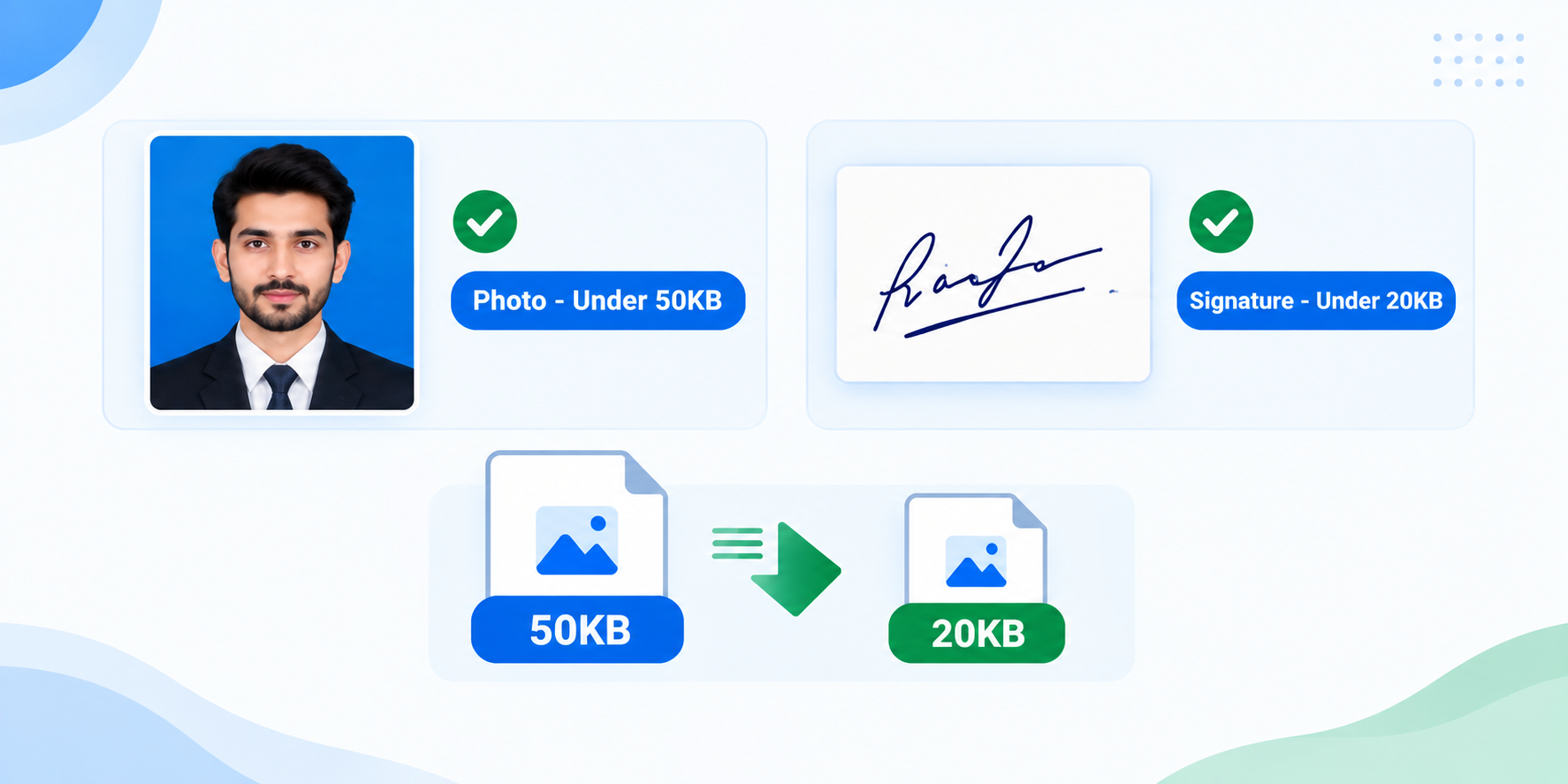
File Size Requirements for Different Portals (2026)
Different job portals in Pakistan have slightly different requirements. Here is a complete table:
| Portal | Photo Size | Signature Size | Format |
|---|---|---|---|
| FPSC | Under 50 KB | Under 20 KB | JPG/JPEG |
| PPSC | Under 50 KB | Under 20 KB | JPG/JPEG |
| NTS | Under 50 KB | Under 20 KB | JPG/JPEG |
| OTS | Under 50 KB | Under 20 KB | JPG/JPEG |
| PTS | Under 50 KB | Under 20 KB | JPG/JPEG |
| Pak Army | Under 50 KB | Under 20 KB | JPG/JPEG |
| Pak Navy | Under 50 KB | Under 20 KB | JPG/JPEG |
Common File Size Errors on Job Portals
Here are the most common errors candidates face:
- “File size exceeds limit”: Your file is too large. Use our resizer to bring it down.
- “Invalid file format”: Portals only accept JPG or JPEG. Our tool automatically converts your file to JPG.
- “Image dimensions too large”: Portals also check dimensions. Our tool resizes both size and dimensions.
- “Signature not clear”: Low-quality compression makes signatures unreadable. Our tool preserves quality.
How to Prepare Your Photo for Compression
Before you use our tool, make sure your photo meets these basic requirements:
- Background: Use a plain white or light blue background. Avoid busy backgrounds with patterns or objects.
- Lighting: Ensure your face is well-lit. Avoid shadows on your face or background.
- Expression: Keep a neutral expression. Don’t smile too broadly or make unusual faces.
- Clothing: Wear dark-colored clothing that contrasts with the background.
- Dimensions: Passport-size photos are typically 2×2 inches (51×51 mm).
How to Prepare Your Signature for Compression
Signatures have the tightest limit (under 20KB), so preparation is important:
- Paper: Use plain white paper. Avoid lined or colored paper.
- Pen: Use a dark blue or black pen. Avoid gel pens that smudge.
- Size: Sign within a 2×1 inch area. Don’t sign too large.
- Scanning: If scanning, use 300 DPI resolution. If photographing, ensure the paper is flat and well-lit.
- Crop: Crop the image to just the signature area before uploading.
Is This Document Resizer Safe?
Yes, 100% safe. Our document resizer runs entirely in your browser using HTML5 Canvas technology. Your files are never uploaded to any server, never stored, and never shared. Everything happens on your own device.
Document Resizer vs Other Online Tools
Most online resizers upload your files to their server, which raises privacy concerns. Our document resizer is different — it uses your browser’s built-in capabilities to compress files locally. This means:
- Your photos and signatures never leave your device
- No waiting time for uploads or downloads from a server
- Works even without an internet connection after the page loads
- No file size limit on uploads — process large files too
Who Can Use This Tool?
Our document resizer is useful for:
- FPSC Candidates: Compress photos and signatures for Federal Public Service Commission applications.
- PPSC Candidates: Prepare files for Punjab Public Service Commission job forms.
- NTS / PTS Candidates: Resize images for testing service registrations.
- Students: Compress documents for scholarship and admission applications.
- Anyone: Reduce image size for any online form that has upload limits.
Frequently Asked Questions (FAQ)
Q1: Will my photo become blurry after compression?
No. Our document resizer uses advanced compression that removes heavy file layers without affecting the sharpness of your facial details. Your photo will remain clear for verification purposes.
Q2: Why does the FPSC portal say “file type error” for my signature?
Government portals only accept JPG or JPEG files. If you upload a PNG or a phone screenshot, the server will reject it. Our tool automatically converts any uploaded file to JPG format.
Q3: Do you store my uploaded photos on your server?
No. Your files are never uploaded to any server. Our document resizer uses HTML5 Canvas technology that processes everything inside your browser. Your privacy is 100% protected.
Q4: Can I use this tool on my mobile phone?
Yes. Our document resizer works on all devices — mobile, tablet, and desktop. No app download needed.
Q5: What if my photo is still over the limit after compression?
Try selecting a smaller target size or use a photo with a simpler background. You can also crop the image before uploading to reduce the amount of detail the tool needs to compress.
Q6: Is there a file size limit for uploads?
No. Since everything runs in your browser, there is no server-side upload limit. You can process files of any size.
Q7: How do I compress a photo under 50KB for FPSC?
Select the “PPSC/FPSC Photo Size Limit (Under 50 KB – JPG)” option, upload your photo, and click Compress. The tool will automatically adjust the quality to bring the file under 50KB. Download the result and upload it to the portal.
Q8: How do I compress a signature under 20KB for PPSC?
Select the “PPSC/FPSC Signature Size Limit (Under 20 KB – White Base)” option, upload your signature, and click Compress. The tool will adjust the quality to bring it under 20KB. Make sure your signature is on a white background for best results.
Q9: Can I use this tool for NTS challan deposits?
Yes. Select the “NTS/PTS Challan Deposit Slip Scan (Under 100 KB)” option. Upload your scanned challan, and the tool will compress it under 100KB while keeping the bank details readable.
Q10: What image formats are supported?
Our tool accepts JPG, JPEG, PNG, and WEBP files. The output is always in JPG format, which is what all government portals require.
Q11: Does this tool work offline?
Once the page is loaded, the tool works entirely offline because it uses your browser’s HTML5 Canvas. You don’t need an internet connection to compress files after the page has loaded.
Q12: Can I compress multiple files at once?
Currently, our tool processes one file at a time. You can upload, compress, and download one file, then repeat for the next file.
Q13: What if the compressed file is still too large?
Try cropping the image to remove unnecessary areas. A smaller image area requires less data to store, which means it can be compressed more effectively. You can also try a different background.
Q14: Is this tool free?
Yes, 100% free. No signup, no subscription, no hidden charges. Just upload, compress, and download.
Q15: What is the best way to scan a signature for job applications?
Use a flatbed scanner at 300 DPI, or take a photo with your phone in a well-lit area. Make sure the paper is flat and the signature is dark and clear. Crop the image to just the signature area before uploading.
Related Tools
If you found this document resizer helpful, check out our other free career tools:
- CNIC Tracker — Verify your 13-digit CNIC format
- GPA to Percentage Calculator — Convert CGPA to marks
- Typing Speed Test — Check your WPM for clerk jobs
- ATS Bio Data Maker — Create an ATS-friendly resume
- FPSC PPSC Age Calculator — Check your age eligibility
- All Free Tools — Explore our complete suite
Job Categories
Looking for job opportunities? Browse our main sections:
- Federal Government Jobs
- Provincial Government Jobs
- Defense & Security Jobs
- Private Sector Jobs
- Job Alerts
Official Government Resources
For official job information and updates, visit these government portals:
